Day 1 in six steps
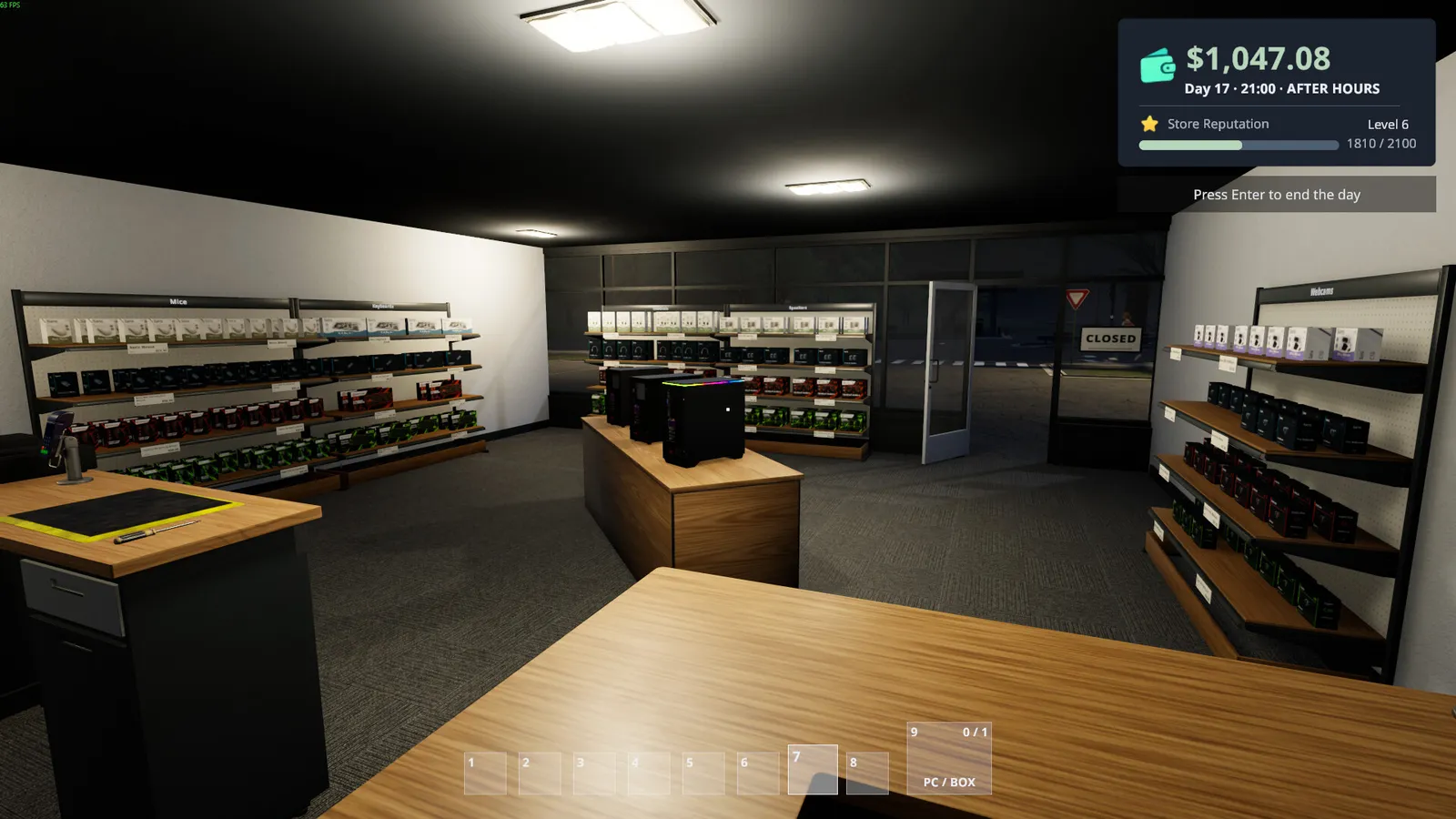
- Check your cash. A new shop starts with about $500 (1 source: the wiki's first-week guide; the Day 1 video does not show the figure).
- Place the first order. On the shop computer open Stock Store and buy one carton each of keyboards, mice and headsets. Cartons land in the delivery area outside.
- Shelve and price. Carry each carton to a standard retail shelf, fill it, then set a price. Set Price offers the market price, a percentage, or a manual value; start at market.
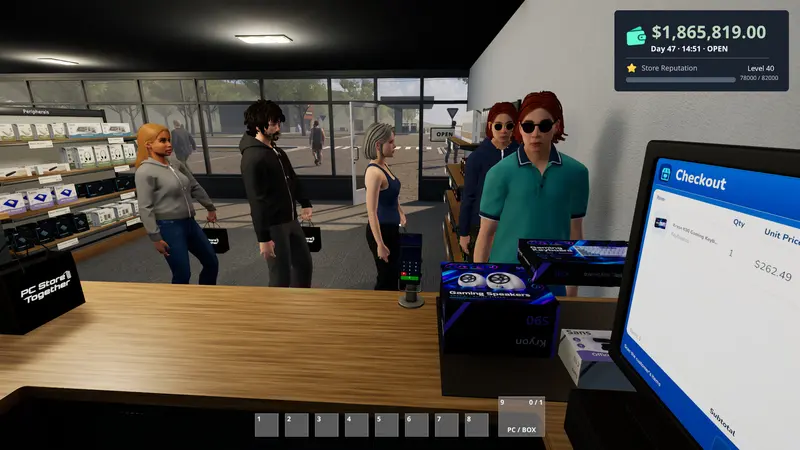
- Open the doors. Flip the sign at the door to OPEN. Serve customers at the checkout and take repair jobs at the Tech Support counter.
- Look at the Calendar before day's end. Rent is charged weekly and the first bill covers seven days. Keep that money back before buying licences.
- Lean on services. In the Day 1 video (37:55) the creator notes the biggest profit came from services and repairs, not shelf sales. Level 4 unlocks hiring a cashier (49:27), which frees you for the bench.
If customers do not come in after step 4, use the customers not entering checklist. If a job will not finish, go to repair orders.
The three money loops
| Loop | Where | What decides profit | Guide |
|---|---|---|---|
| Retail | Shelves, peg walls, monitor walls, floor displays | Carton cost, your price vs market, trending products | Make money |
| Repairs | Tech Support → workshop bench | Finishing every job-card objective and passing the load test | Repair orders |
| Custom PCs | Workbench → Custom Computers display | Parts cost, the 65% part-value rule, a priced PC on display | Build templates |
All gameplay guides
-
 How to make moneyPricing, trending stock and products that will not sell.
-
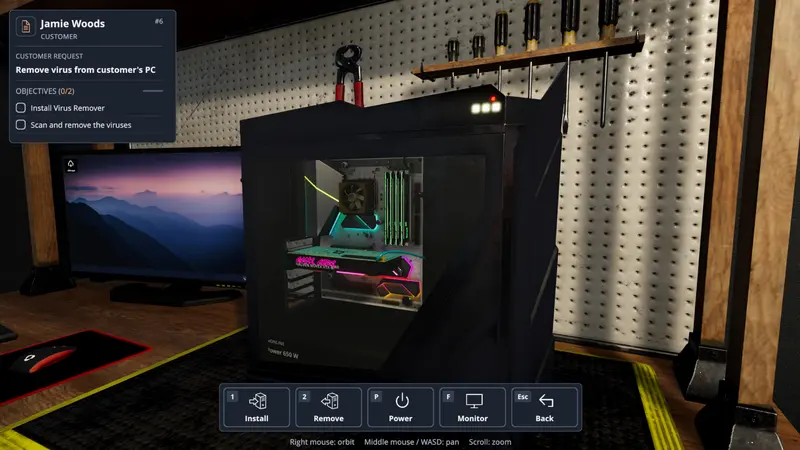 Repair ordersFrom the job card to an accepted handover.
-
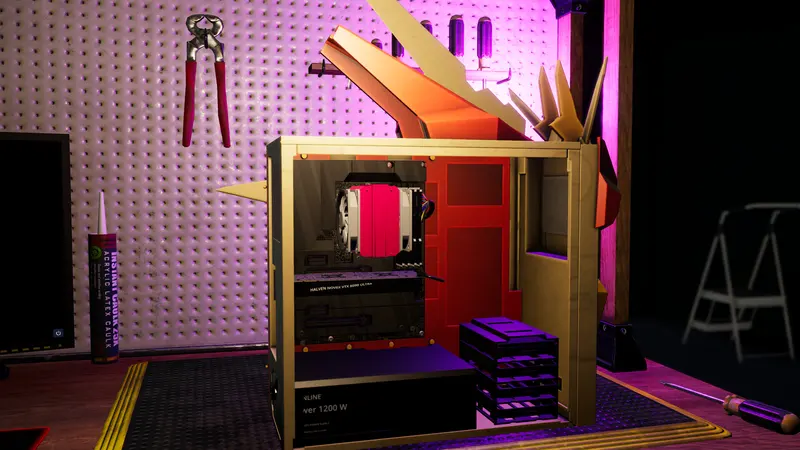 Bench load testWhat 95 °C and 100 °C mean and how to pass.
-
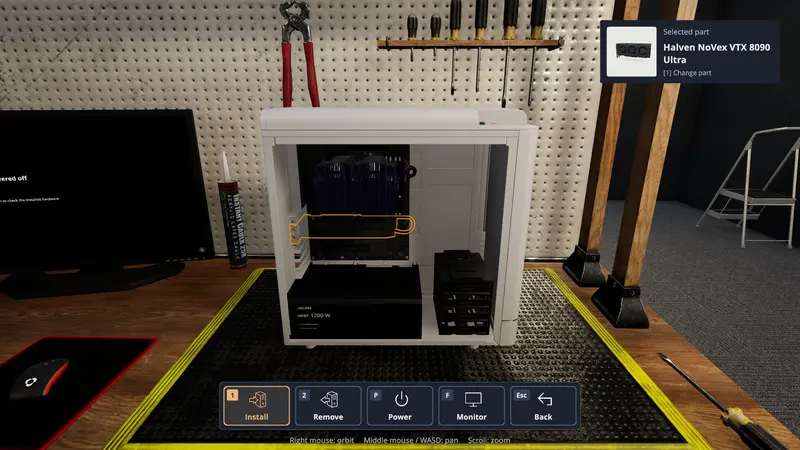 Workshop USBInstall an OS, USB apps and Try next.
-
 Drives, viruses & pasteThree common bench jobs.
-
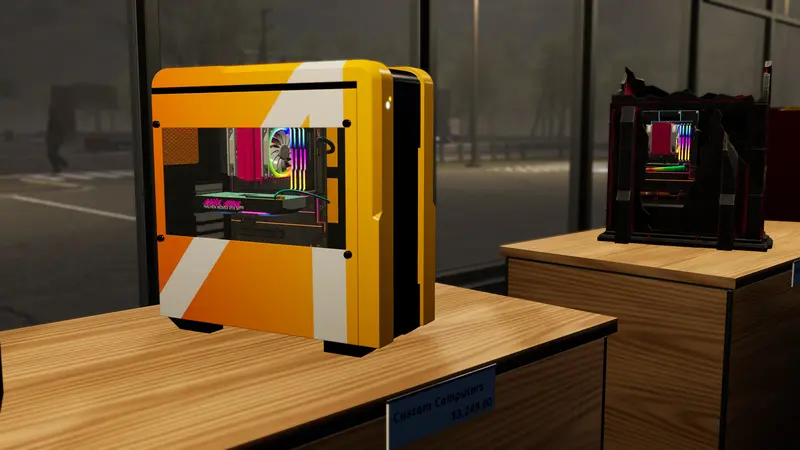 PC build templatesBuild order, compatibility, display rules.
-
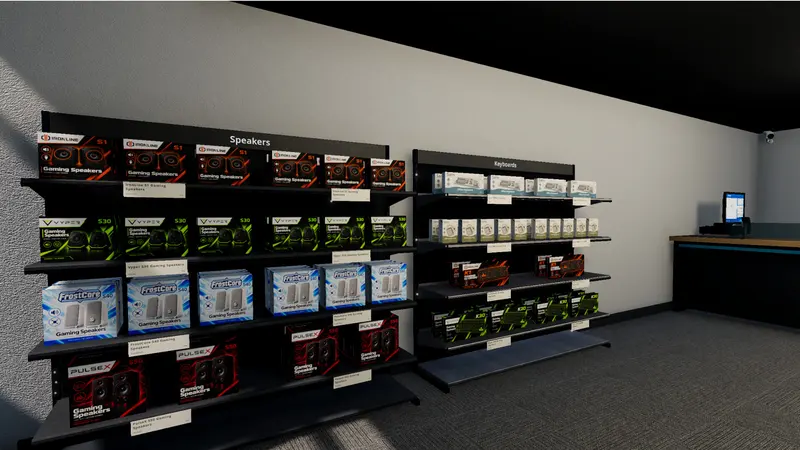 Shop licencesEvery licence and what it unlocks.
-
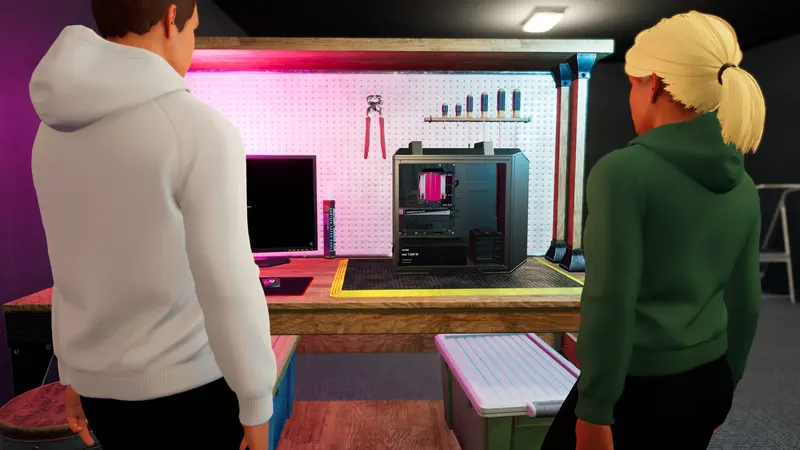 Co-op guideRoles, versions and finding players.
-
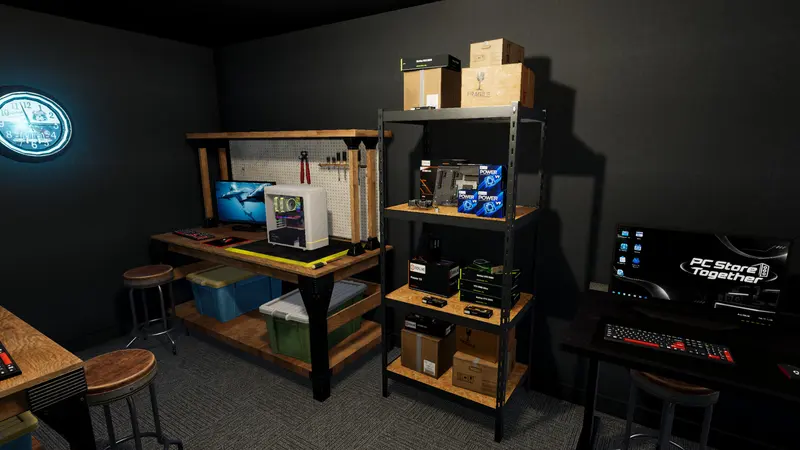 Custom musicYour own MP3, OGG and WAV files in the shop.
A sensible reading order
Most stuck players hit the same chain: a repair job is taken, the load test runs hot, the operating system has to go on a new drive, and the handover is refused. Read the four bench guides in that order — repair orders, bench load test, Workshop USB, then drives, viruses and paste — and the chain makes sense.
Once the bench is under control, the money guide, the build templates page and the licence table cover the shop floor. Co-op and custom music are worth a look before inviting friends, because a version mismatch is the first thing that stops a session.
Video
FAQ
What should I do first in PC Store Together?
Buy one carton each of keyboards, mice and headsets in the Stock Store, shelve and price them, flip the door sign to OPEN, and take repair jobs at Tech Support. Keep money back for the weekly rent shown in the Calendar.
How much money do you start with?
About $500 according to the pcstoretogether.wiki first-week guide. That is a single source; the Day 1 video does not show the number.
When can I hire a cashier?
The Day 1 video shows hiring unlocking at shop level 4 (49:27). Since the 26 November update one cashier covers every checkout.
How much is the rent?
Rent is charged weekly and appears in the Calendar app, but the amount has not been published in any source we found, so we do not quote a number.
Sources
- Creeativvez – Day 1 video on YouTube — timestamps 05:41, 17:06, 37:55, 49:27, 50:39, 51:08; checked 27 Nov 2026
- pcstoretogether.wiki guides — step write-ups that cite the same Day 1 video; used as a cross-check only; checked 27 Nov 2026
- Steam store page for PC Store Together — price, launch discount, reviews, tags, platforms, screenshots and trailer; checked 27 Nov 2026
- Developer post: Hotfix Update – Second Community Bug Fixes (25 Nov) — version display, mismatch warning, 65% part value, 3× buyer visits; checked 27 Nov 2026
- Developer post: Play your OWN music! (26 Nov) — Shop playlist and My music, MP3/OGG/WAV, shared playback; checked 27 Nov 2026