Five rules that hold up
- Services before retail. A repair job pays for labour and ties up no stock. Retail has to cover the carton cost first. In the Day 1 video (37:55) the biggest profit came from services and repairs.
- Charge labour on custom PCs. The Day 2 video (07:30–07:50) prices a self-built PC at parts cost plus about $150 of labour. Since 25 November, new parts count at 65% of their price toward a PC's value, so do not work the display price back from full part prices.
- Keep a priced PC on display. The 25 November hotfix says PC buyers come 3× as often while a priced PC is on display. A PC needs a graphics card and a passed Load test before it can be priced.
- Restock what is trending. The Stock Store shows what is trending now and next, plus a daily special. Monitors were trending on Day 2 of the Creeativvez save.
- Cut price last. A forum thread from 26 November shows a player whose gaming stock would not move even at market price minus 10%. Check the shelf type and opening hours first (see below).
How pricing works
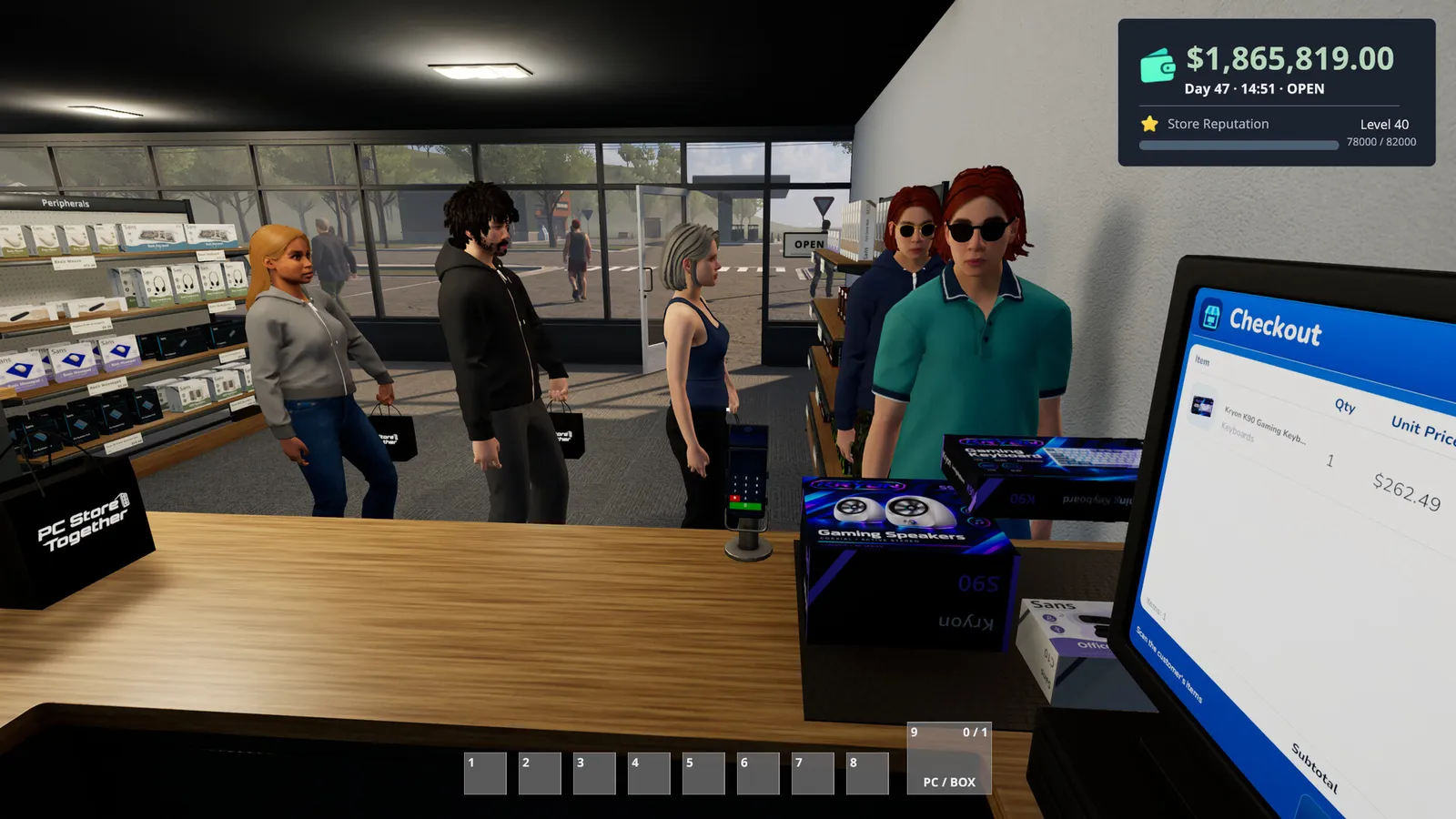
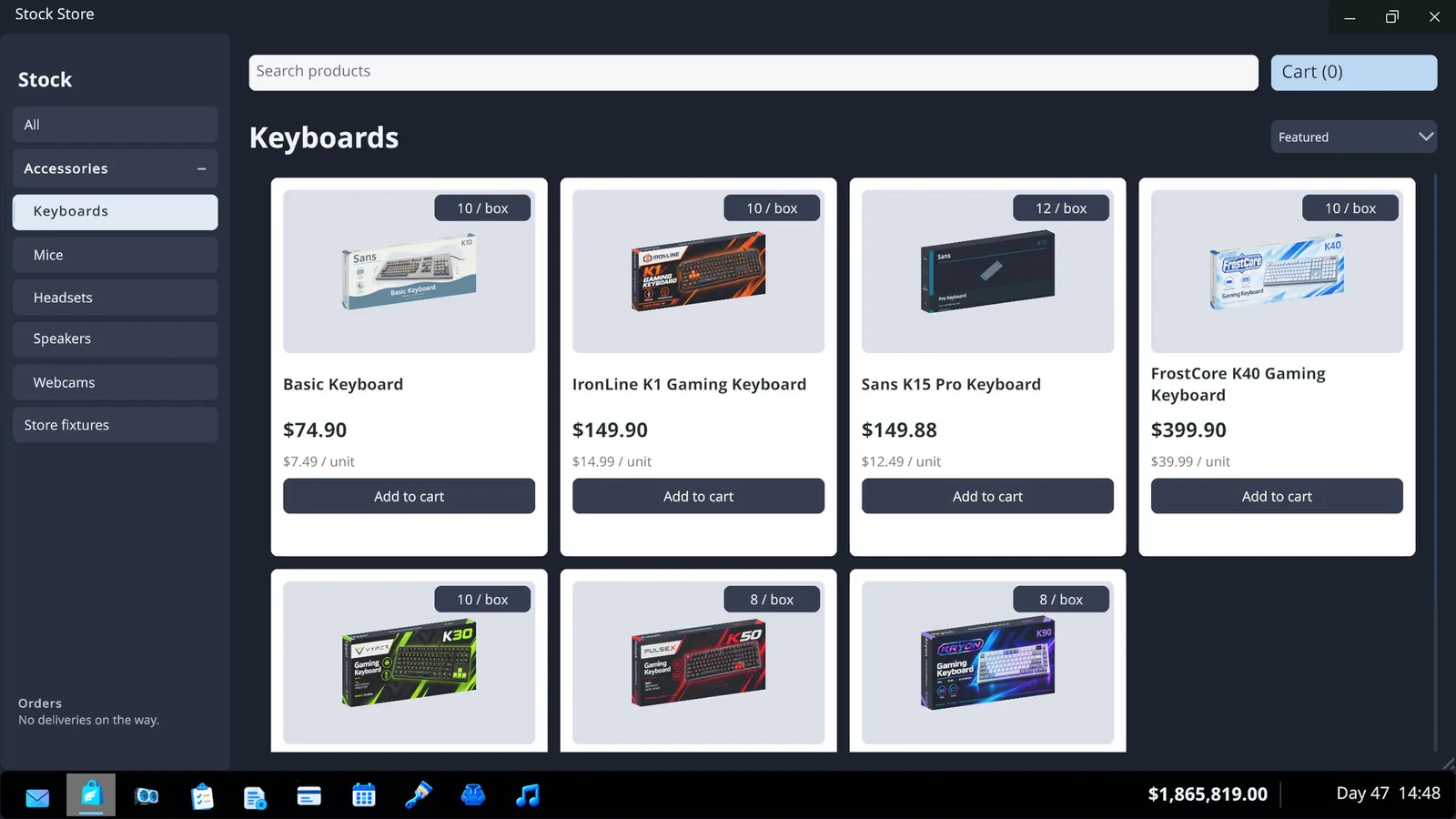
Your cost is the per-unit price of a carton in the Stock Store. The launch footage shows a box of 10 Sans M20 mice at $59.90, which is $5.99 each before delivery. On the shelf, Set Price lets you match the market price, apply a percentage, or type a value. Shoppers complain when a price is too high, and since 26 November they only want things they can afford.
There is no published margin table. Treat the market price as the ceiling at first, then raise prices on items that sell out before restock.
Products not selling? Check these
| Check | Why it matters | What to do |
|---|---|---|
| Price above market | Shoppers grumble and walk away | Reset to market, then adjust in small steps |
| Wrong display | Monitors go on monitor walls, cables and USB sticks on peg walls, chairs and 3D printers on floor displays | Move the stock to the matching display |
| No price tag | An unpriced item is not for sale | Set a price on every new shelf |
| Shop closed or late | Nobody shops after closing time | Check the sign and the clock; see customers not entering |
| Not trending | Demand follows daily trends | Restock trending lines and the daily special |
| Still stuck | Could be a bug | Report it with your version number and a shelf screenshot in Steam discussions |
Are monitors worth selling?
In the Day 2 video the creator buys the monitor licence, orders two units per carton across three models, and sells one within the session (09:48), with monitors listed as trending. That is one save, not a rule. After the 26 November update, office monitors arrive with the level 31 licence and gaming monitors with level 36; both go on monitor walls and switch on with their own screen image.
Video
FAQ
What makes the most money in PC Store Together?
Early on, repair jobs and self-built PCs. The Day 1 creator reports the biggest profit came from services, and a priced PC on display brings buyers three times as often according to the 25 November hotfix.
Why are my products not selling?
Usually the price is above market, the product is on the wrong display type, it has no price, or the shop is closed. If all of those are fine and only starter products sell, report it in Steam discussions with your version number.
How much should I charge for a custom PC?
One creator charged parts cost plus about $150 labour. Since 25 November new parts count at 65% of their price toward the PC value, so price from what the game shows, not from full part prices.
Sources
- Developer post: Hotfix Update – Second Community Bug Fixes (25 Nov) — version display, mismatch warning, 65% part value, 3× buyer visits; checked 27 Nov 2026
- Developer post: Major Content Update | Russian & Chinese Localization (26 Nov) — 14 licences, 64 products, level cap 39, artwork statement; checked 27 Nov 2026
- Developer post: Play your OWN music! (26 Nov) — Shop playlist and My music, MP3/OGG/WAV, shared playback; checked 27 Nov 2026
- Steam discussions for PC Store Together — 15 threads read, with dates and reply counts; checked 27 Nov 2026
- Creeativvez – Day 1 video on YouTube — timestamps 05:41, 17:06, 37:55, 49:27, 50:39, 51:08; checked 27 Nov 2026
- Creeativvez – Day 2 video on YouTube — monitor licence, a monitor sale, about $150 labour on a custom PC; checked 27 Nov 2026
- pcstoretogether.wiki guides — step write-ups that cite the same Day 1 video; used as a cross-check only; checked 27 Nov 2026