Assembly order
- Case
- Motherboard
- Power supply (PSU)
- Storage drive
- CPU
- Thermal paste
- CPU cooler
- RAM
- Graphics card
- Side panel and screws
- Install a system and run the Load test
The store page lists the parts you fit by hand as “CPU, cooler, RAM, GPU, PSU, storage, fans”, and warns: “Wrong socket, wrong slot, not enough watts, no boot.”
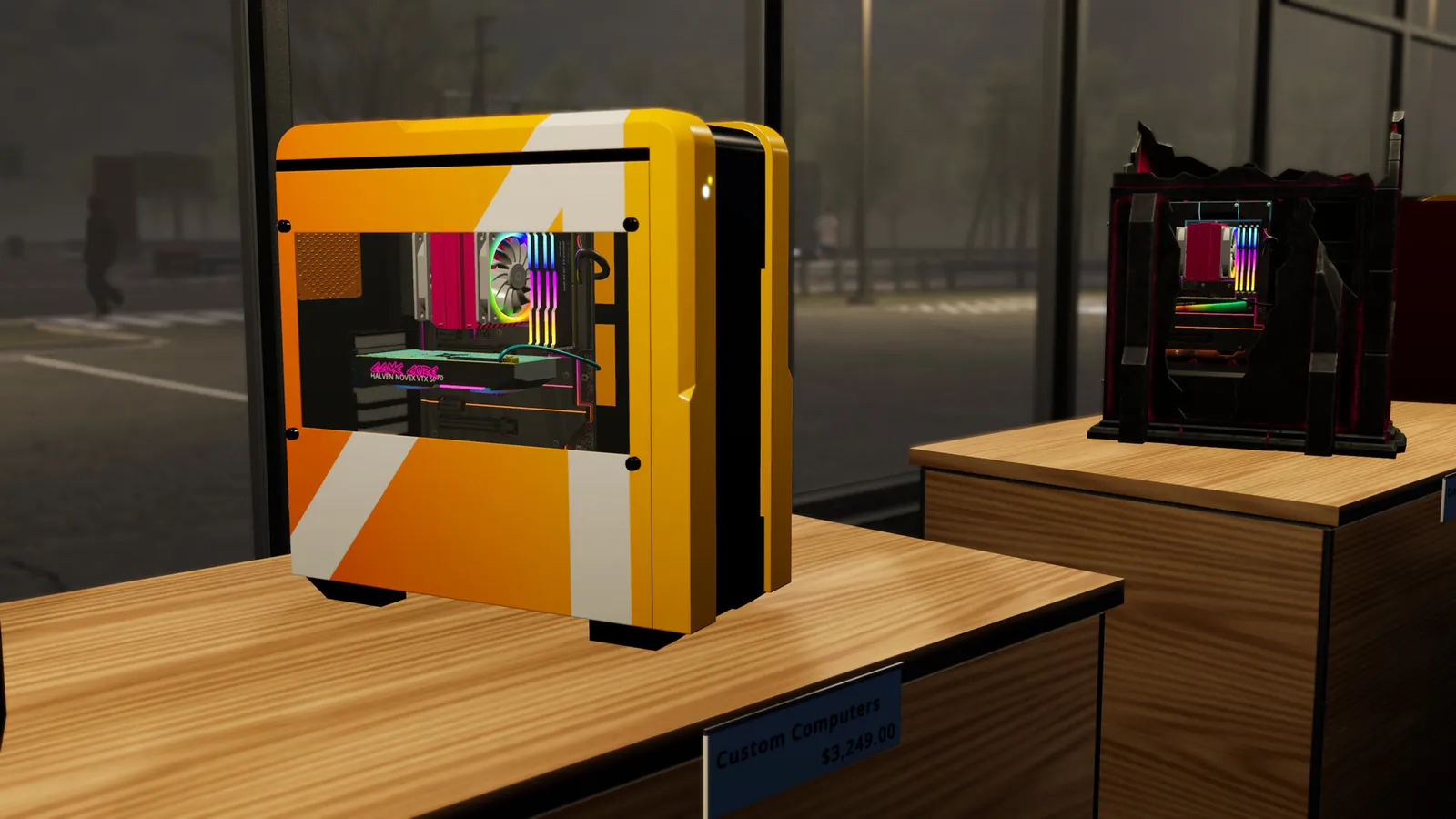
Four compatibility checks
| Check | What goes wrong | Where to look |
|---|---|---|
| CPU socket | The CPU will not seat on the board | Part details in the inventory |
| RAM type and slot | Wrong memory, no boot | Motherboard details |
| GPU length vs case | The card does not fit the case | Case and GPU details |
| PSU watts | Not enough power, no boot | Build Sheet wattage line |
Build types
| Build type | Tier | For | Parts | PSU | Case size | Test | Budget | Version | Checked | Status |
|---|---|---|---|---|---|---|---|---|---|---|
| Office budget build | Entry | Office / retail customer | — | — | — | Bench Load Test | — | — | 2026-11-27 | Editorial scenario · 1 source for assembly workflow |
| 1080p gaming build | Mainstream | Gaming customer | — | — | — | Bench Load Test | — | — | 2026-11-27 | Editorial scenario · 1 source for assembly workflow |
| Flagship gaming build | Flagship | Display build | — | — | — | Bench Load Test | — | — | 2026-11-27 | Editorial scenario · 1 source for assembly workflow |
| Customer exact-parts build | — | Mail order with a fixed parts list and budget | Named on the job card | — | — | Bench Load Test | Customer's parts budget | — | 2026-11-27 | 1 source |
A forum reply says templates exist in the game, but we could not confirm the menu that holds them on 27 Nov 2026. Customer build jobs list their exact parts and budget on the job card; follow the card.
PC too big for the display?
A 26 November forum thread asked why a PC would not fit the display. The 25 November optimisation update says the Custom Computers display now supports every case size, so update the game first. If it still will not place, check the display is a Custom Computers unit and that the PC has a graphics card.
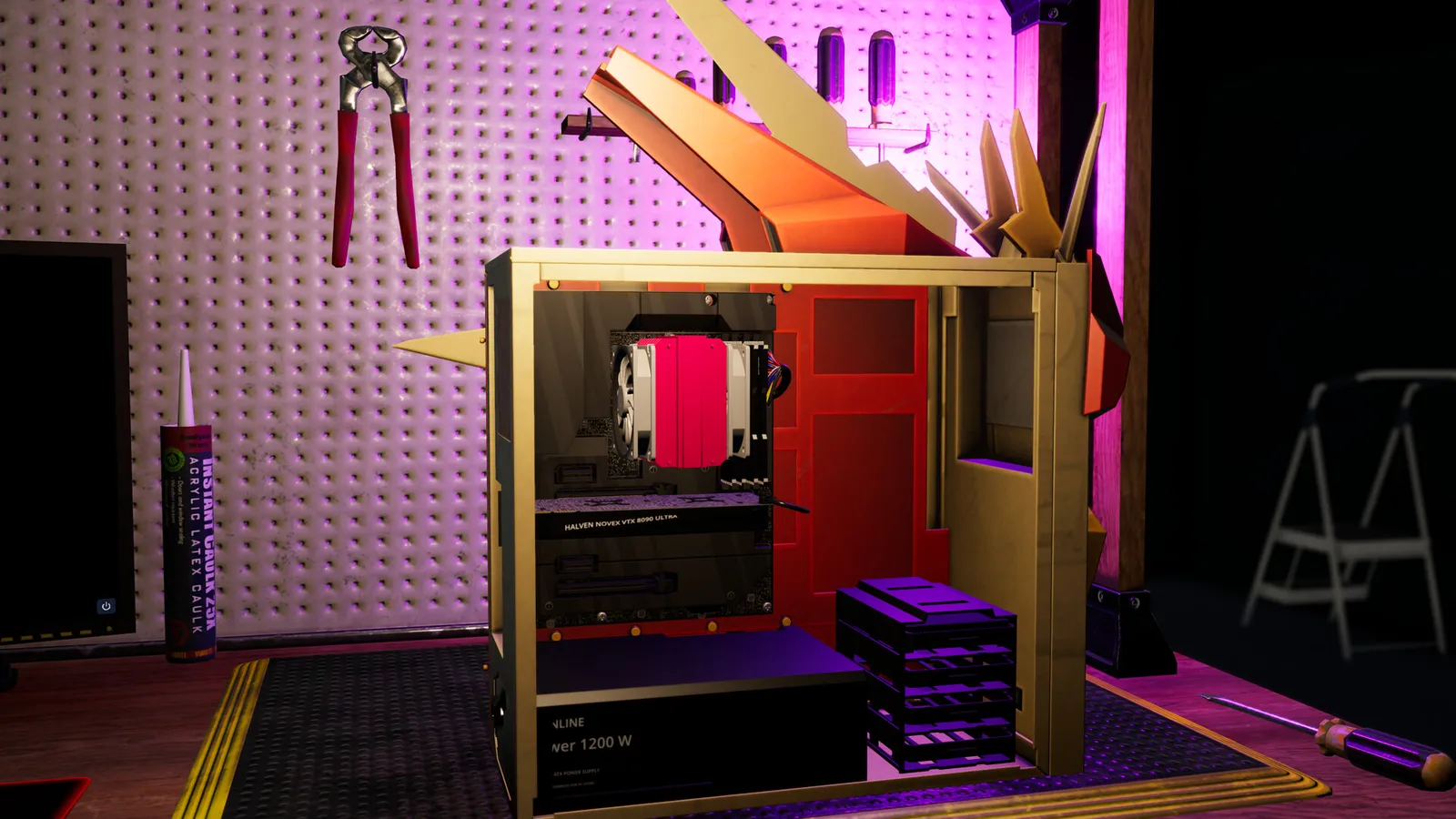
Pricing a custom PC
- A PC must pass the Load test before it can be priced; aim at it and the prompt says what is missing.
- New parts count at 65% of their price toward the PC value (25 Nov), and used parts no longer add more value than new ones.
- A priced PC on display brings buyers 3× as often. Built PCs are labelled “Custom PC”.
- Customer PCs placed on a display cannot be priced.
Video
FAQ
Are there PC build templates in PC Store Together?
A forum reply says templates are in the game, but no video or patch note we found shows the menu. Customer build jobs list exact parts and a budget on the job card.
Why is my PC too big for the display?
Older versions did not take some larger cases. The 25 November update made the Custom Computers display support every case size, so update the game.
Why can't I set a price on my PC?
It needs a graphics card and a passed Load test. Since 26 November the prompt tells you which one is missing.
Sources
- Steam store page for PC Store Together — price, launch discount, reviews, tags, platforms, screenshots and trailer; checked 27 Nov 2026
- Developer post: Major Optimization Fixes (25 Nov) — over 40% lower CPU load in internal tests, any case size on display; checked 27 Nov 2026
- Developer post: Hotfix Update – Second Community Bug Fixes (25 Nov) — version display, mismatch warning, 65% part value, 3× buyer visits; checked 27 Nov 2026
- Developer post: Play your OWN music! (26 Nov) — Shop playlist and My music, MP3/OGG/WAV, shared playback; checked 27 Nov 2026
- Steam discussions for PC Store Together — 15 threads read, with dates and reply counts; checked 27 Nov 2026
- Creeativvez – Day 1 video on YouTube — timestamps 05:41, 17:06, 37:55, 49:27, 50:39, 51:08; checked 27 Nov 2026