Installing the operating system
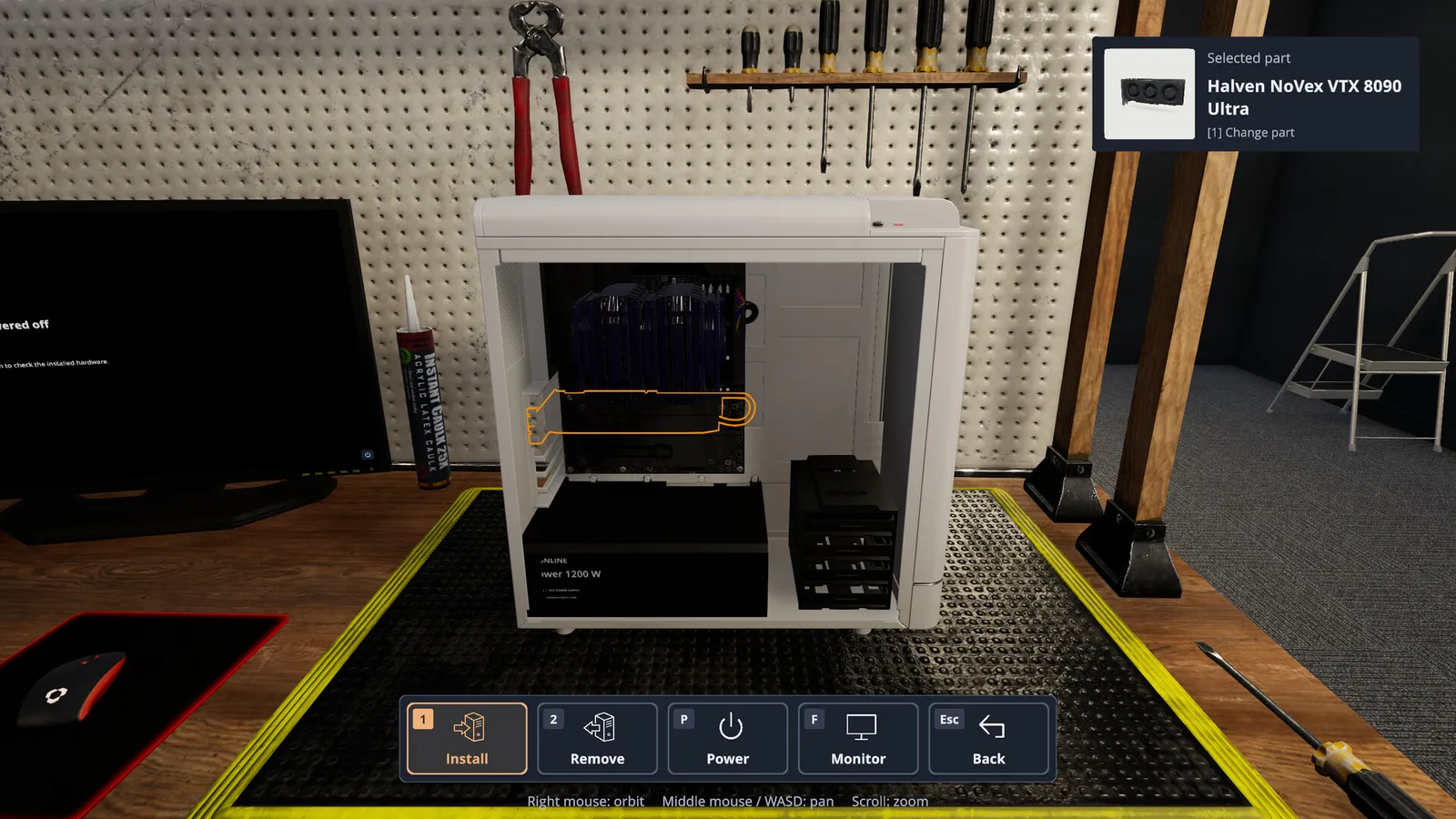
- Put the PC on the workbench and choose Work on PC. Make sure a motherboard and a drive are fitted.
- Choose Install, select the Workshop USB, aim at the case and hold to plug it in.
- Power on and open Monitor. The system installer starts.
- Pick the empty drive and wait for the PC to restart to the desktop.
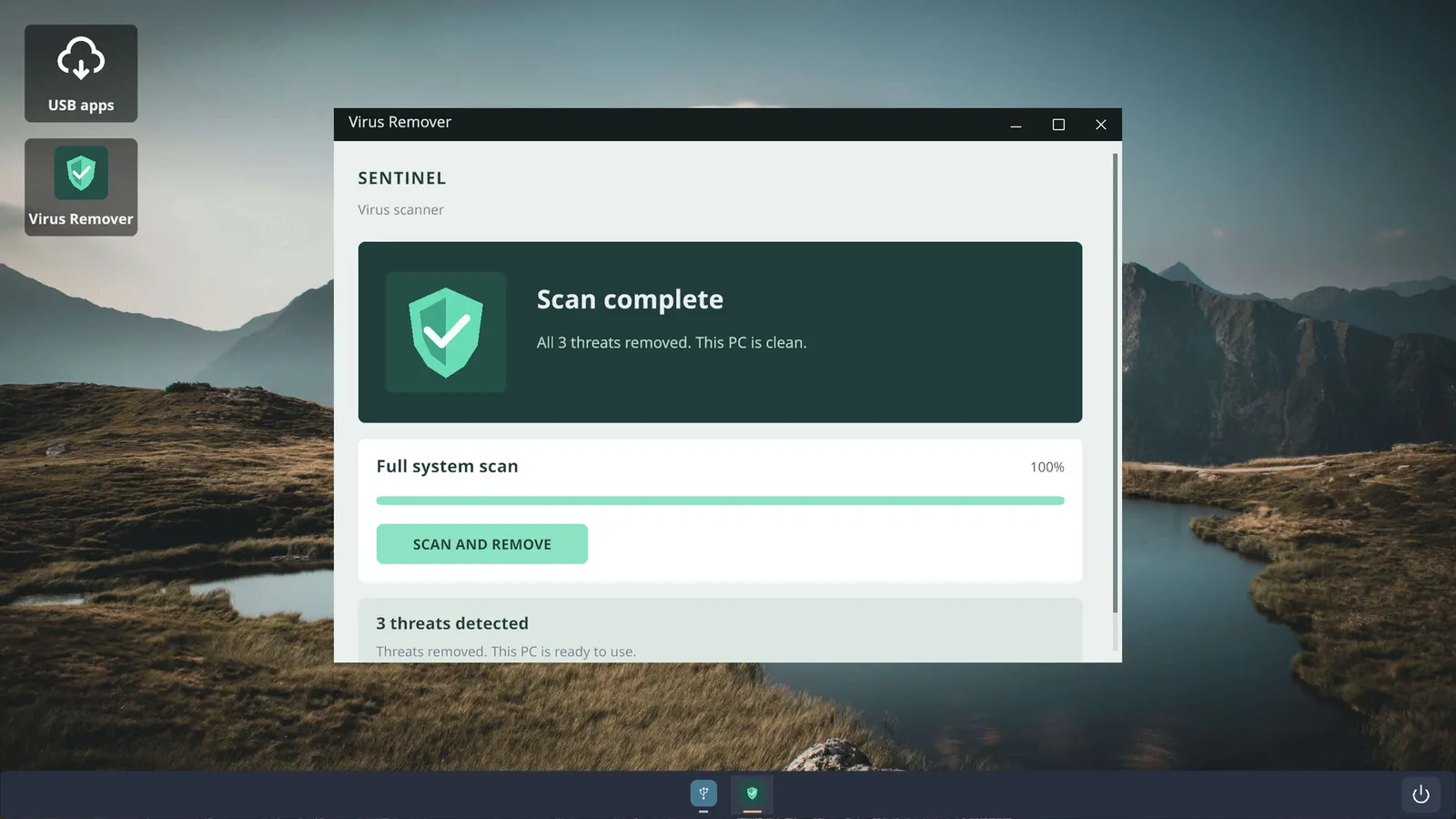
- Open USB apps on the desktop and install what the job needs: Load test, Virus Remover.
- When the job is done, unplug the USB before the handover.
Errors and what they mean
| What you see | Cause | Fix | Status |
|---|---|---|---|
| “No empty drive was found” | The new drive is not fitted or not detected | Check the drive is seated, then use Try next, which suggests what to check (24 Nov hotfix) | 2 sources |
| USB will not highlight | Another part is under the cursor | Aim where you normally would, then move slightly left until only the USB highlights | 1 source · forum tip |
| USB will not install | No motherboard in the case | Fit the motherboard first (26 Nov) | 1 source · developer post |
| “Install the Load test from the Workshop USB, then run it” | The PC cannot be priced yet | Install Load test from USB apps and pass it | 2 sources |
Jobs that need the USB
- Drive replacement: a fresh drive shows “Needs a system” on the Build Sheet until you install one. See replace a drive.
- Virus removal: boot from USB, add Virus Remover from USB apps and run a full scan. See remove viruses.
- Pricing a self-built PC: the Load test has to be installed and passed before Set PC price appears.
Video
FAQ
How do I install an OS in PC Store Together?
On the workbench use Work on PC, Install, Workshop USB, then power on, open Monitor and choose the empty drive in the system installer. Since 26 November a motherboard must be fitted first.
What does “No empty drive was found” mean?
The PC cannot see the new drive. Check it is fitted, then use Try next, added in the 24 November hotfix, which suggests what to check.
I can't click the USB stick. Any tips?
One player in the Steam forum suggests aiming where you normally would and moving the mouse slightly left until only the USB highlights.
Sources
- Developer post: Hotfix Update – First Community Bug Fixes (24 Nov) — load test tick fix, storage room boxes, handover refusal reasons; checked 27 Nov 2026
- Developer post: Play your OWN music! (26 Nov) — Shop playlist and My music, MP3/OGG/WAV, shared playback; checked 27 Nov 2026
- Steam discussions for PC Store Together — 15 threads read, with dates and reply counts; checked 27 Nov 2026
- Creeativvez – Day 1 video on YouTube — timestamps 05:41, 17:06, 37:55, 49:27, 50:39, 51:08; checked 27 Nov 2026
- pcstoretogether.wiki guides — step write-ups that cite the same Day 1 video; used as a cross-check only; checked 27 Nov 2026