Six steps from job to handover
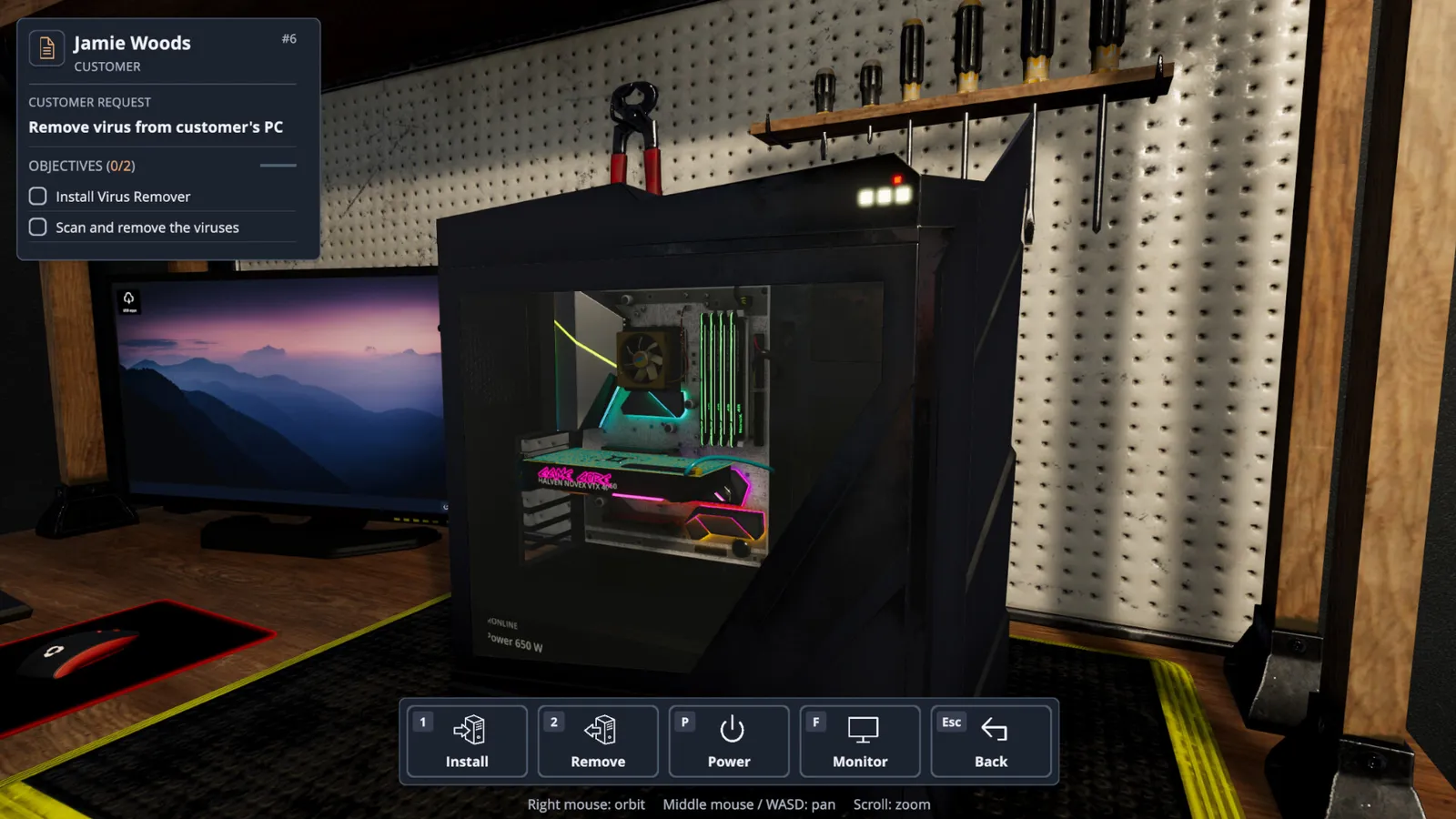
- At Tech Support, accept the repair. Carry the PC to a workbench and choose Work on PC.
- Read the job card on the left. If a part is needed, open Mail and use Order missing parts. Since 25 November it orders every missing part, and parts on your shop shelves or in Stock Store cartons do not count as owned.
- Power on, open Monitor and run the Load test. If it fails, the Build Sheet on the right shows power draw, temperatures and errors. See the load test guide.
- Fix what the card asks: swap the part, clean dust, re-paste the CPU, install an OS or remove viruses. Original RAM sticks and drives may go back into any free slot of the same type (hotfix, 25 Nov).
- Refit the side panel and every screw (since 25 Nov, panels and screws can go back on while the PC runs). Re-run the Load test if the card asks for it, then send the ready e-mail from Mail.
- When the customer replies and arrives, hand the PC over at Tech Support, or by looking at the customer. If it is refused, read the reason on screen.
Fault types and what to check first
| Fault | Symptom | Likely cause | Check first | Tools | Parts | Version | Checked | Status |
|---|---|---|---|---|---|---|---|---|
| No boot / RAM fault | PC fails to POST or beeps three times | Faulty or badly seated memory | Job card and Notes card; test one stick at a time | Workshop USB, Load test | Matching RAM stick | — | 2026-11-27 | 2 sources |
| Drive not detected | Installer reports no empty drive / PC cannot see the replacement | Replacement not fitted or not recognised | Confirm model and capacity on the job card; use Try next | Workshop USB | Sans StoreDrive 256/512 GB | — | 2026-11-27 | 2 sources |
| Overheating from dust | Load test shuts down at 100 C or dust objective open | Dust blocking coolers; missing cooler | Build Sheet cooling message; dust count | Air duster | — | — | 2026-11-27 | 2 sources |
| Dried thermal paste | Hot pass or shutdown despite a clean cooler | Old paste; cooler not refitted | Build Sheet points to paste/cooling | Paste cleaner, thermal paste | — | — | 2026-11-27 | 2 sources |
| Faulty cooler / fan | Fan not spinning or temperature climbs immediately | Dead cooler or fan | Visual check and Load test | Load test | Replacement cooler | — | 2026-11-27 | 2 sources |
| Virus / SearchPal adware | Pop-up ads and SearchPal toolbar on the desktop | Adware infection | Install Virus Remover from USB apps | Workshop USB, Virus Remover, Sentinel | — | — | 2026-11-27 | 2 sources |
| Multiple faults | One repair clears but the PC still fails | More than one faulty part | Re-read the job card and rerun the Load test | Workshop USB, Load test | Depends on the job | — | 2026-11-27 | 2 sources |
Three-beep jobs got clearer instructions on 25 November: with several RAM sticks fitted, the Notes card explains how to find the bad one. Test one stick at a time.
Handover refused: the reasons
| Message or symptom | Fix |
|---|---|
| Missing original part ("Refit the customer's original …") | Put the customer's good part back in any slot of the same type |
| Side panel or screws missing | Refit them; this works with the PC switched on since 25 Nov |
| Load test step not ticked | Re-run the test; old saves tick it a few seconds after loading (24 Nov hotfix) |
| Tech Support is busy | Wait for the desk to clear, then try again |
| Guest gets no message | Fixed on 24 Nov: whoever tried now sees the reason |
Ordering parts without wasting money
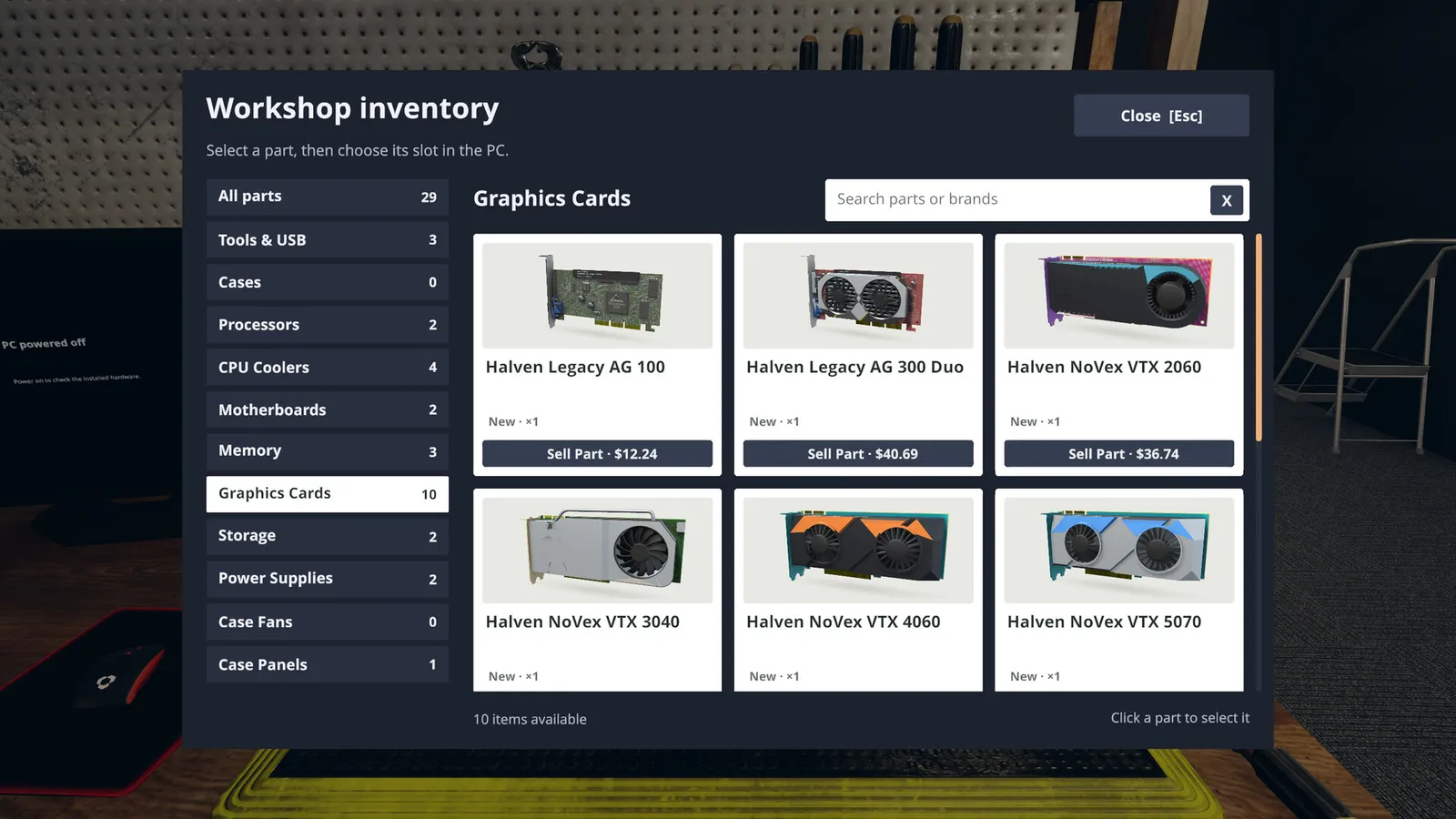
Mail orders only what the job needs, but it ignores stock already on your shelves, so do not pre-buy shelf stock for repairs. Selling a part from workshop storage now asks for confirmation and warns you if a job you accepted might need it. A case that was stripped bare can go back into workshop storage and be used later with Swap case.
Video
FAQ
Why can't I hand the repaired PC back?
The screen now gives the reason: a missing original part, side panel or screws, an unticked Load test, or a busy Tech Support desk. Fix that item and try again.
The load test passed but the job did not tick. What now?
This was fixed in the 24 November hotfix. Jobs where the new part went into a different slot now accept it, and old saves tick the step a few seconds after loading without another test.
Do parts on my shelves count for a repair?
No. Since 25 November, parts on shop shelves or still in Stock Store cartons do not count as owned. Use Order missing parts in Mail.
How do I find the faulty RAM stick?
Read the Notes card, which since 25 November explains how to spot the bad stick, and test one stick at a time with the Load test.
Sources
- Developer post: Hotfix Update – First Community Bug Fixes (24 Nov) — load test tick fix, storage room boxes, handover refusal reasons; checked 27 Nov 2026
- Developer post: Hotfix Update – Second Community Bug Fixes (25 Nov) — version display, mismatch warning, 65% part value, 3× buyer visits; checked 27 Nov 2026
- Developer post: Major Optimization Fixes (25 Nov) — over 40% lower CPU load in internal tests, any case size on display; checked 27 Nov 2026
- Creeativvez – Day 1 video on YouTube — timestamps 05:41, 17:06, 37:55, 49:27, 50:39, 51:08; checked 27 Nov 2026
- pcstoretogether.wiki guides — step write-ups that cite the same Day 1 video; used as a cross-check only; checked 27 Nov 2026