Running the test
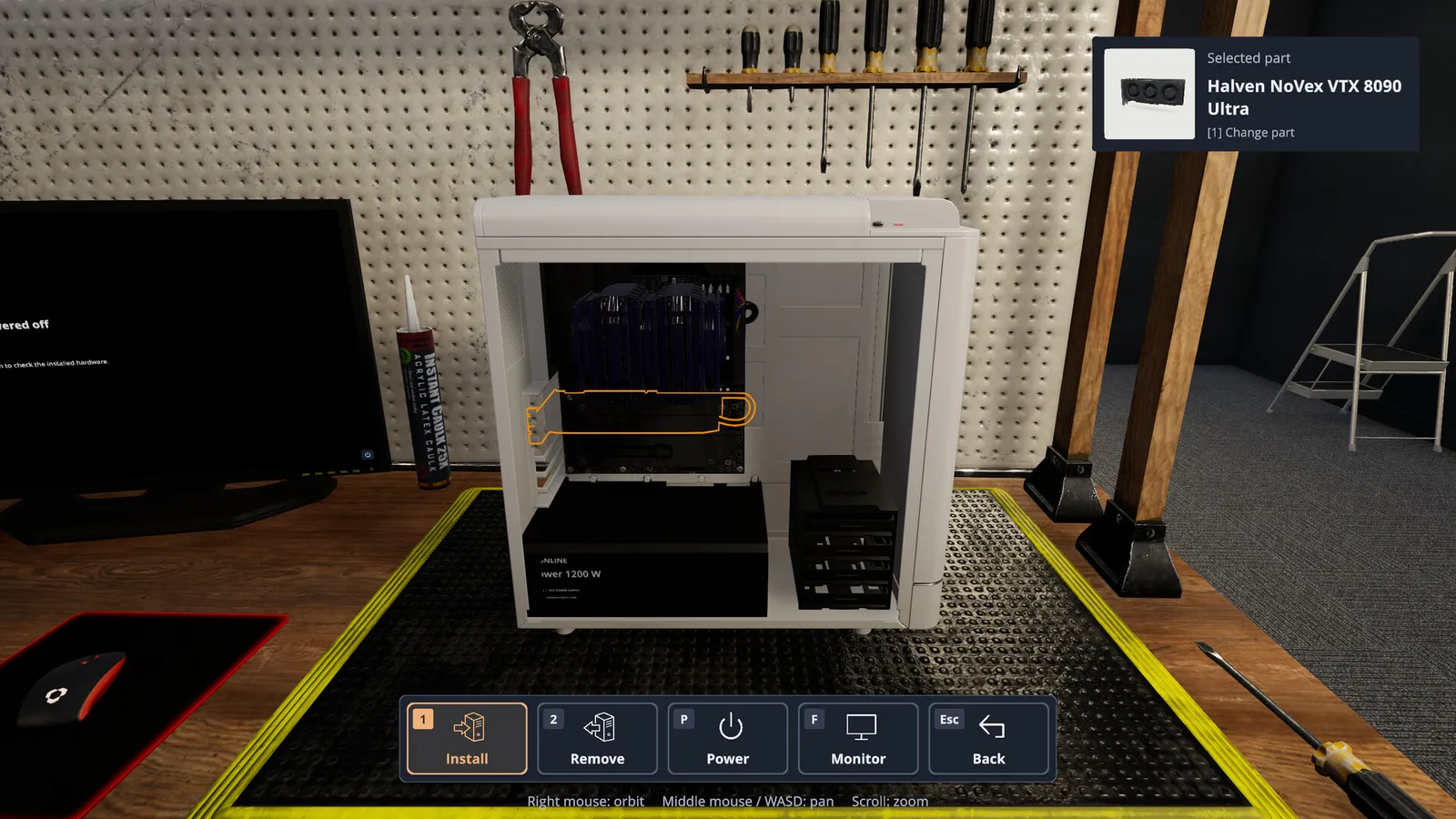
- With the PC on the workbench, power it on and open Monitor.
- Install the Load test from the Workshop USB if it is missing (since 26 Nov the prompt says so: “Install the Load test from the Workshop USB, then run it”).
- Start the test and watch three things: idle temperature, peak temperature and whether it ends with a pass.
- If the job card lists the Load test, the step ticks after a pass. Then refit the panel and screws.
What the numbers mean
| Reading | Meaning | Status |
|---|---|---|
| About 25 s | Length of one test run | 1 source · video 05:56, 17:06 |
| 95 °C | CPU slows itself down (throttles) | 1 source · video 05:41 |
| 100 °C | PC switches itself off | 1 source · video 05:41, 50:39 |
| Pass | Test finished without shutdown | 2 sources |
Do not mix this up with the benchmark score. The Bronze to Diamond Bench achievements (3,000 to 10,000 points) come from a separate benchmark, not the 25-second load test. See achievements.
Failed? Check in this order
- Fan and cooler. Is the CPU cooler fitted and its fan spinning? A missing or dead cooler sends temperatures up at once.
- Thermal paste. If the Build Sheet points to paste or cooling, remove the cooler, wipe the CPU with paste cleaner, apply fresh paste and refit.
- Dust. Use the air duster on every highlighted part until the dust count reaches zero.
- Cooler rating. Since 26 Nov the FrostCore Breeze 120 RGB is rated 150 W, so every processor can meet a “Quiet” request with it.
- Power. Check the Build Sheet's wattage line against the PSU. Not enough watts means no boot.
Step-by-step dust and paste instructions are on drives, viruses and paste.
Test passed but the job did not tick
Before the 24 November hotfix, a RAM or drive repair passed the test but never ticked if the new part went into a different slot. That is fixed: any matching slot is accepted, and a save that was already stuck completes the job a couple of seconds after loading, with no new test. The same hotfix made guests in co-op see the same result as the host.
On a new save, if a pass still does not tick, re-read the job card: another objective (dust, paste, a missing original part) may still be open.
Video
FAQ
How long is the load test in PC Store Together?
About 25 seconds per run, as shown in the Day 1 gameplay video.
At what temperature does a PC shut down?
At 100 °C the PC switches off, and the CPU throttles from 95 °C, according to the panel shown at 05:41 of the Creeativvez Day 1 video. This is a single source.
Why does my PC fail the load test?
Usually cooling: a missing or dead cooler, old thermal paste, dust, or not enough power from the PSU. Fix those in that order and re-run the test.
Is the load test the same as the benchmark achievements?
No. The benchmark achievements need scores from 3,000 to 10,000 in the separate benchmark; the load test is a pass/fail heat check.
Sources
- Creeativvez – Day 1 video on YouTube — timestamps 05:41, 17:06, 37:55, 49:27, 50:39, 51:08; checked 27 Nov 2026
- pcstoretogether.wiki guides — step write-ups that cite the same Day 1 video; used as a cross-check only; checked 27 Nov 2026
- Developer post: Hotfix Update – First Community Bug Fixes (24 Nov) — load test tick fix, storage room boxes, handover refusal reasons; checked 27 Nov 2026
- Developer post: Play your OWN music! (26 Nov) — Shop playlist and My music, MP3/OGG/WAV, shared playback; checked 27 Nov 2026
- Steam store page for PC Store Together — price, launch discount, reviews, tags, platforms, screenshots and trailer; checked 27 Nov 2026